Voxelized Navigator
Voxelized navigator is useful for voxelized phantom or pixelized detector. The phantom must be described in a MHD file combined with a TXT file storing the material labels. The axis of the phantom corresponds to the axis of the world (global coordinates).
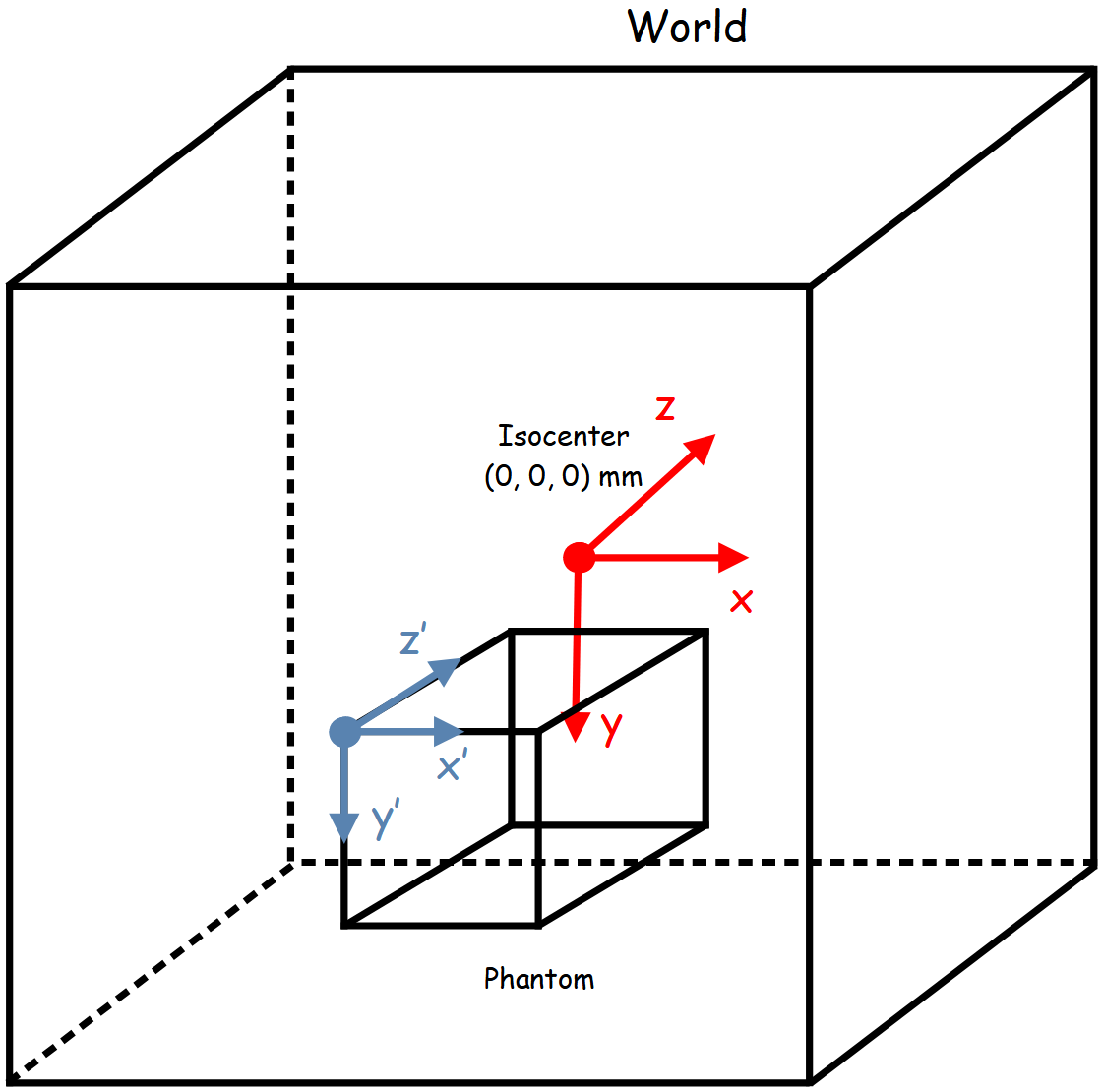
Create a voxelized phantom can be done by the following commands:
phantom = GGEMSVoxelizedPhantom('phantom')
phantom.set_phantom('phantom.mhd', 'range_phantom.txt')
In the ‘range_phantom.txt’ are the material labels (a voxel with a value of 3 corresponds to the lung):
0 0 Air
1 1 Water
2 2 RibBone
3 3 Lung
The phantom can be positioned and rotated in space using the following commands:
phantom.set_rotation(0.0, 0.0, 0.0, 'deg')
phantom.set_position(0.0, 0.0, 0.0, 'mm')
The voxelized phantom can be visualize by activating OpenGL. Disabling ‘Air’ is recommended:
phantom.set_visible(True)
phantom.set_material_visible('Air', False)
phantom.set_material_color('Water', color_name='blue')